
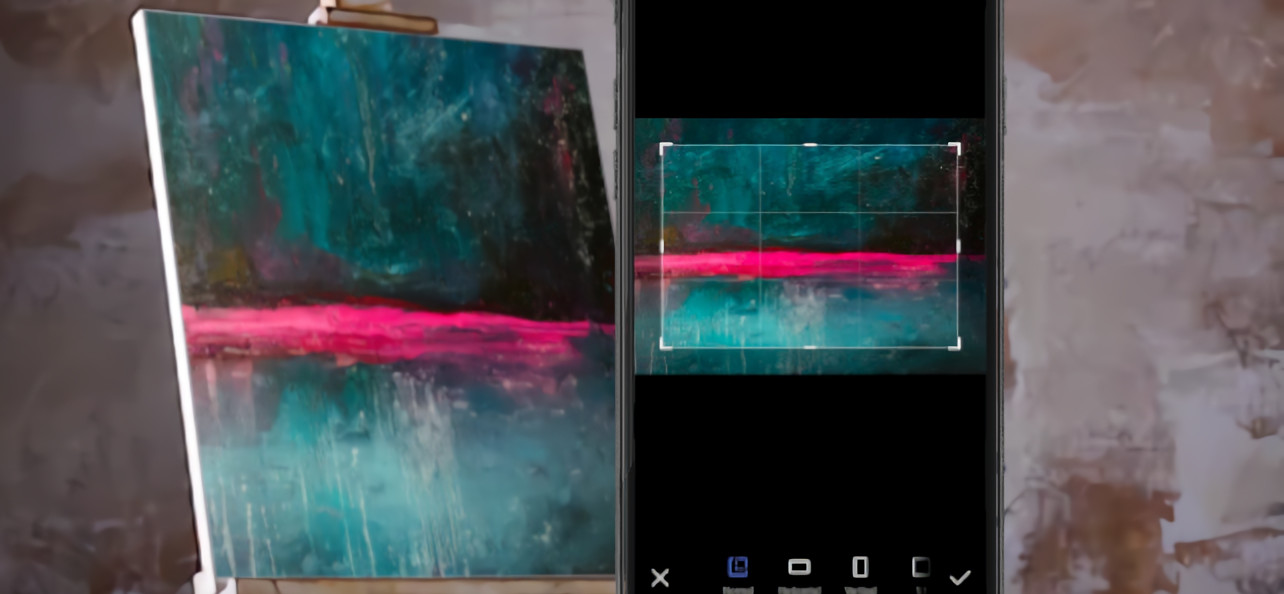
These days, the cameras on our smartphones are more than enough to take good photos of artworks. Gone are the years when only a DSLR could take great photos and it never even crossed our minds to use the phone. That said, there are a few tips that can come in very handy when it comes to taking a good photo of your artwork. Here we go!
Photographing your artwork with your phone camera step by step
Minimum requirements
Any mid-range phone bought in 2018 or later will do the job of taking this kind of photo perfectly well. That said, the images should be taken with the rear camera, and it would be a good idea to have a small tripod or a stand to steady the phone so the images come out right.
Lighting
It's best to take the pictures during the day and with natural light. The camera flash can cause reflections and change your artwork's colour range. Try taking the pictures outdoors.
Framing
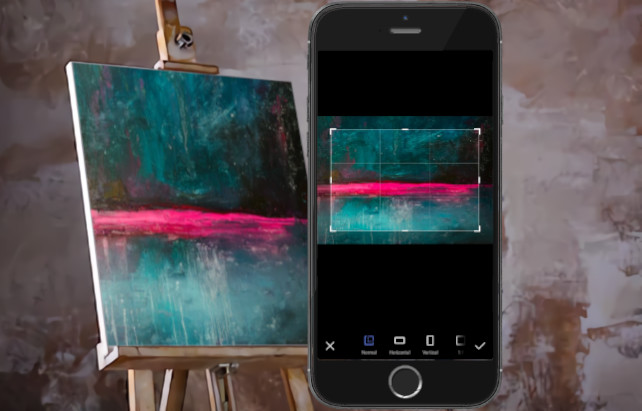
The framing depends on what each artwork needs. We should never use 1:1 unless the painting calls for it (completely square). Horizontal and vertical are the most used. It all depends on the dimensions of the artwork. Of course, we have to take the photo in such a way that the camera captures the painting without impossible framing. It has to be seen in full.
Shooting settings
The phone makes taking photos hugely easier but, even so, it takes a certain skill when choosing the settings. We should avoid the zoom because the shot loses quality. White balance is another thing to keep an eye on to avoid "burning the photo". Image size and quality should be set to maximum so that when the artwork is added to your social media and your Artelista gallery it has the best possible definition.
Image retouching
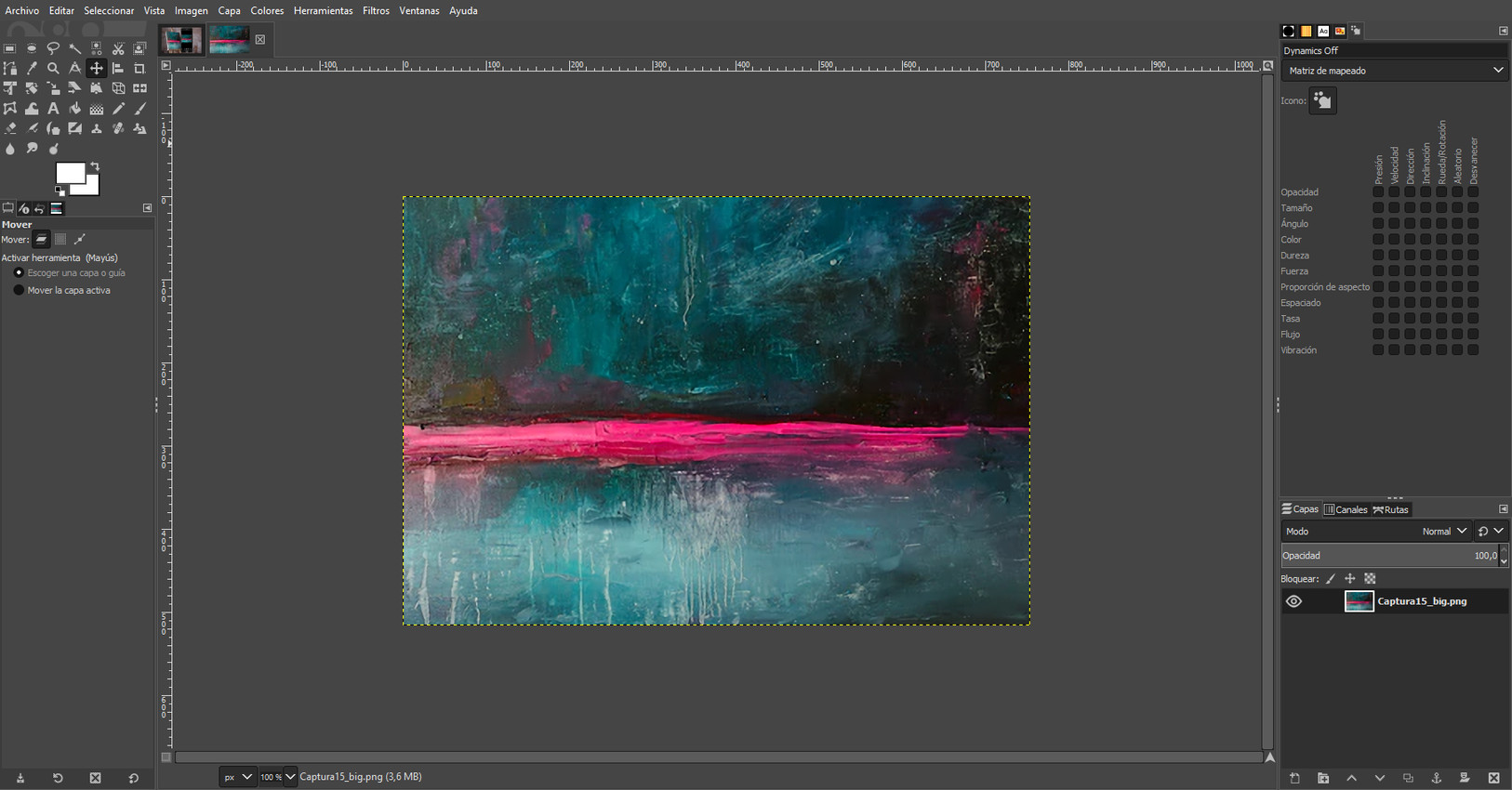
If a decade ago it was impossible to retouch an image professionally without knowing Photoshop or Illustrator, now we can find hundreds of free apps to make our artwork look better. It's not about changing the key aspects of your painting but about making the tones match reality. Sometimes, a lack of light can make the brushstrokes of some artworks look pale. That's why a good image editor can be key to making your artwork images attract potential buyers. If you want the program on your computer, GIMP is a very good option, and if you'd rather have it online, we recommend Pixlr X and Photopea.
Reducing image size
If you're going to upload images of your artworks to Artelista but they're "too heavy", you may have trouble getting them to load. That's why it's a good idea to use an app beforehand to reduce or compress images. One example of these mobile apps is TinyPNG, a very simple tool that can shrink jpg and png images without the photos losing quality.
(If you'd rather not use your phone, here's an article with tips for photographing your artworks with a camera.)



Comments (3)
VidsSave
July 7, 2026Humberto Giraldo
March 18, 2022¿Una cámara trasera de 48 megapíxeles es suficiente para una fotografía buena de obra?
Gracias
Humberto
Marga Muraday
April 12, 2022Log in to leave your comment. Log in