
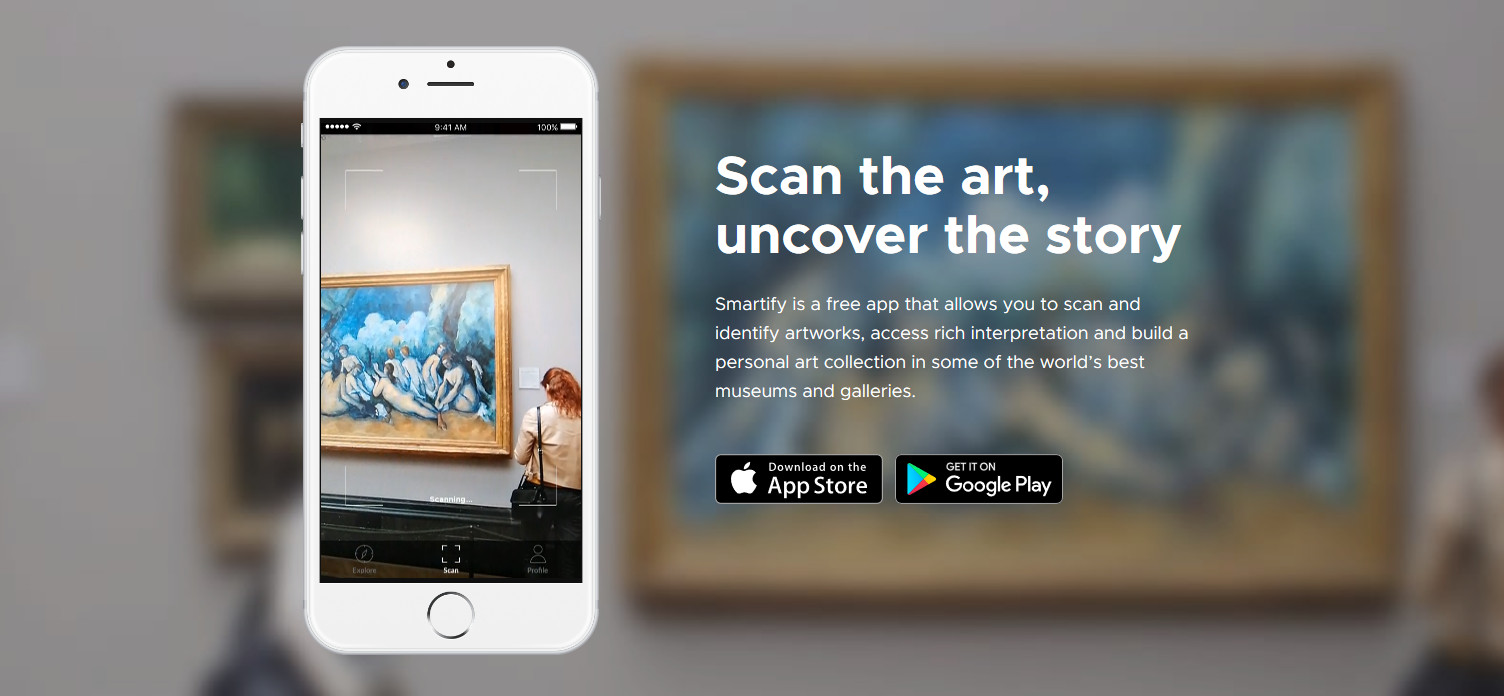
Some will compare it to Shazam. Others won't go that far. But every art lover will surely be glad to hear about the new app specialising in art. The Smartify app lets the user identify artworks on the spot just by photographing them, and it doesn't stop there, it also provides a whole range of information to get to know them in more depth. Is this the end of guided tours around the museum? At Artelista we tried the best art app for identifying artworks to date and we'll tell you whether what people are saying is all hot air or whether this really is the beginning of the end for audio guides.
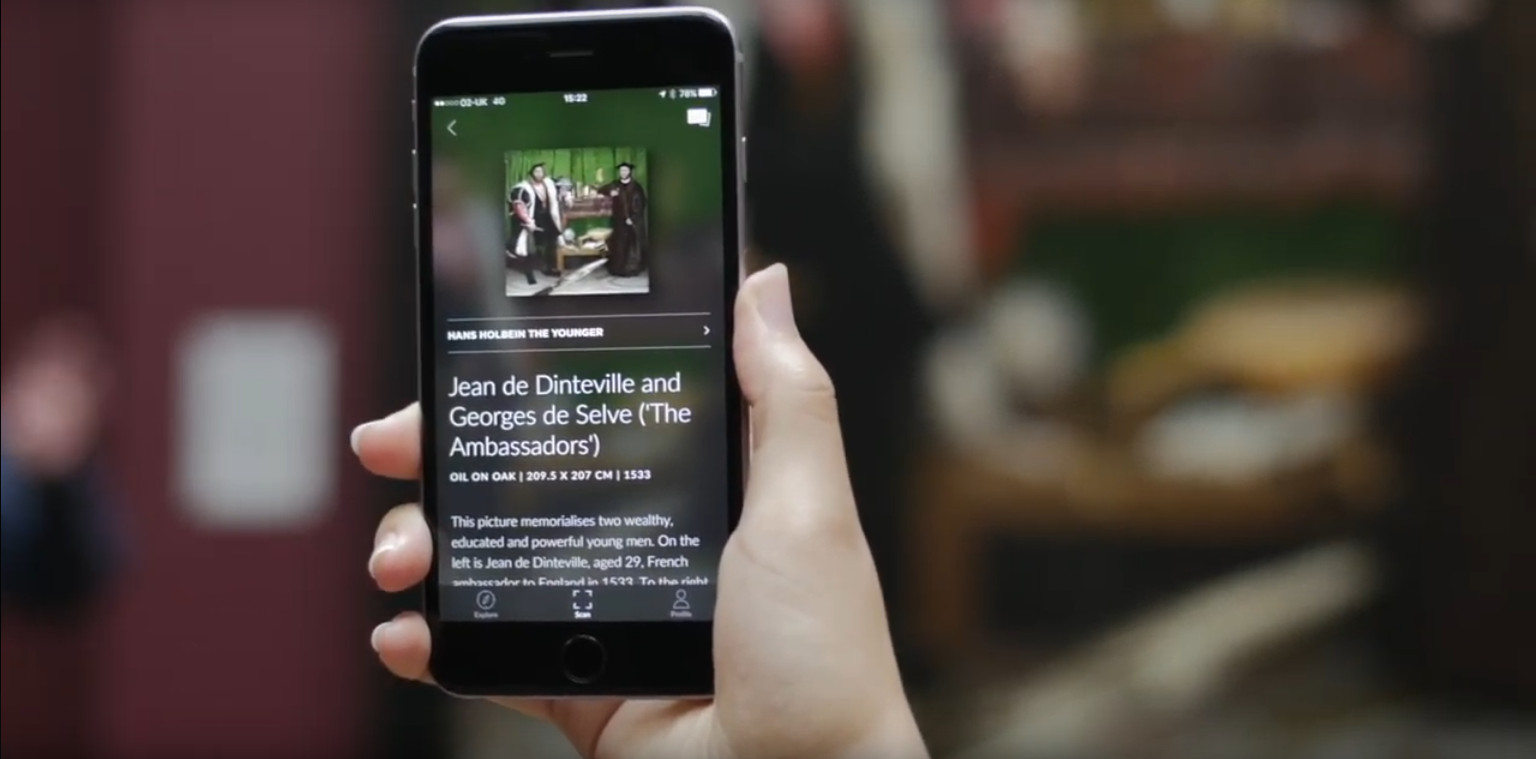
Trying out the Smartify app: first impressions
The app, which you can download from the Google Play Store or on iTunes, takes up barely 5 MB on your phone. As soon as you open it, it invites you to choose a language from a list of about 10 options. We carry on and we can register, or not. We keep going. The interface is a bit dark and the request for the usual permissions doesn't drag on too long.
- Sección “Explorar”: Esta app precisa de nuestra ubicación para la sección “explorar” en la que aparecen los museos más cercanos, los artistas destacados, el blog y otros datos de interés. Así, si pinchamos en un cuadro de un artista destacado aparecerá toda la información relativa, dónde está ubicado el cuadro y una ficha técnica.
- Perfil: En él se podrá crear un registro y después añadir los escaneos de obras así como una opción interesante que es “compra”. Dentro de esta subsección del perfil se pueden adquirir podcasts de especialistas, lo que no deja de ser una especie de audioguía. Esta sección aún está “en pañales” pero estamos seguros de que la app Smartify podría incluir voces de afamados artistas que, por un módico precio, nos explican sus obras. Todo depende del éxito que llegue a tener, por supuesto.
- Escaneo de obras: El sistema de reconocimiento de obras funcionó con “Ansiedad” de Munch (cada uno tenemos nuestras debilidades artísticas). Junto a él aparece la descripción larga, un enlace a la wikipedia y otro al wikimedia commons, de wikipedia también. Cada obra se puede compartir o dar “like”.
Our take on the Smartify app
It isn't a new app, it already has some history behind it. Even so, Smartify has hardly any content in Spanish (despite the language being listed), although these days you can always fall back on automatic translation to read the information.
That said, it's a perfect app for identifying artworks in museums and it can be a really interesting tool for students who need to learn the most important features of an artwork quickly and in depth.
It currently has a series of podcasts (though quite few for the time Smartify has been running) which are completely free. We assume it hasn't taken off in this area and that it's used more for identifying artworks than for interacting with the app in other ways. Either way, if you're planning to hit the museums this summer, this is an app you can't miss!
https://www.youtube.com/watch?v=6u7NXSX9IPs





Comments (0)
Log in to leave your comment. Log in